Fitness Tracker Syncing Problems: A Practical Fix Gallery
Quick Answer: Most fitness tracker sync problems come down to Bluetooth connection drops, an outdated app, or the tracker’s battery being too low to maintain a stable connection — all fixable in under five minutes without contacting support.
A tracker that won’t sync is one of the most common fitness tech frustrations, and it’s rarely the hardware itself that’s actually broken.

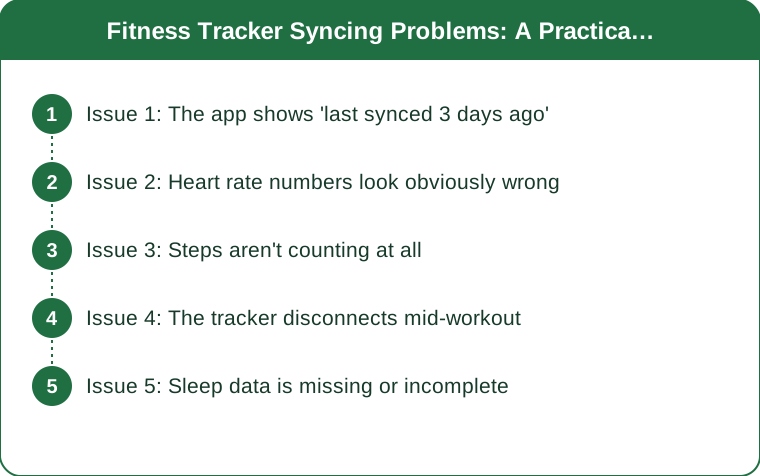
Issue 1: The app shows ‘last synced 3 days ago’
This is almost always a Bluetooth connection issue, not a data problem — your steps and heart rate are still being recorded on the device itself. Turn Bluetooth off and back on, force-close the app, and reopen it near the tracker to trigger a fresh handshake between the two.
Issue 2: Heart rate numbers look obviously wrong
A tracker reading 40 bpm during a workout or spiking to 180 while you’re sitting still usually means the sensor isn’t making good skin contact. Tighten the band slightly, move it about a thumb’s width above the wrist bone, and clean the sensor — sweat residue and lotion both interfere with the optical reading.

Issue 3: Steps aren’t counting at all
If the tracker screen shows activity but the app shows zero, the sync itself succeeded but the data didn’t transfer correctly — a known glitch after some app updates. Manually pulling down to refresh in the app, or logging out and back into your account, usually forces a re-sync.
Issue 4: The tracker disconnects mid-workout
Mid-workout drops are often caused by phone battery saver mode, which aggressively kills background Bluetooth connections to save power. Turning off battery saver during workouts, or keeping the phone within about 30 feet, usually resolves it.
Issue 5: Sleep data is missing or incomplete
Sleep tracking relies on continuous overnight data collection, so a tracker that syncs in the morning but shows partial sleep data likely lost connection sometime during the night, often from being charged mid-sleep out of habit. Charging during the day instead of overnight fixes this for most people.
TL;DR:
- Most sync issues are Bluetooth-related, not data loss — restart Bluetooth and the app first
- Wrong heart rate readings usually mean poor skin contact, not a broken sensor
- Battery saver mode on your phone is a common, overlooked cause of mid-workout drops
- Charge overnight-tracking devices during the day to avoid gaps in sleep data
Most of these fixes take under two minutes — worth trying before assuming the tracker itself is faulty.
Keep Reading
This article is for general informational and styling purposes only. Fit, sizing, and product availability may vary.